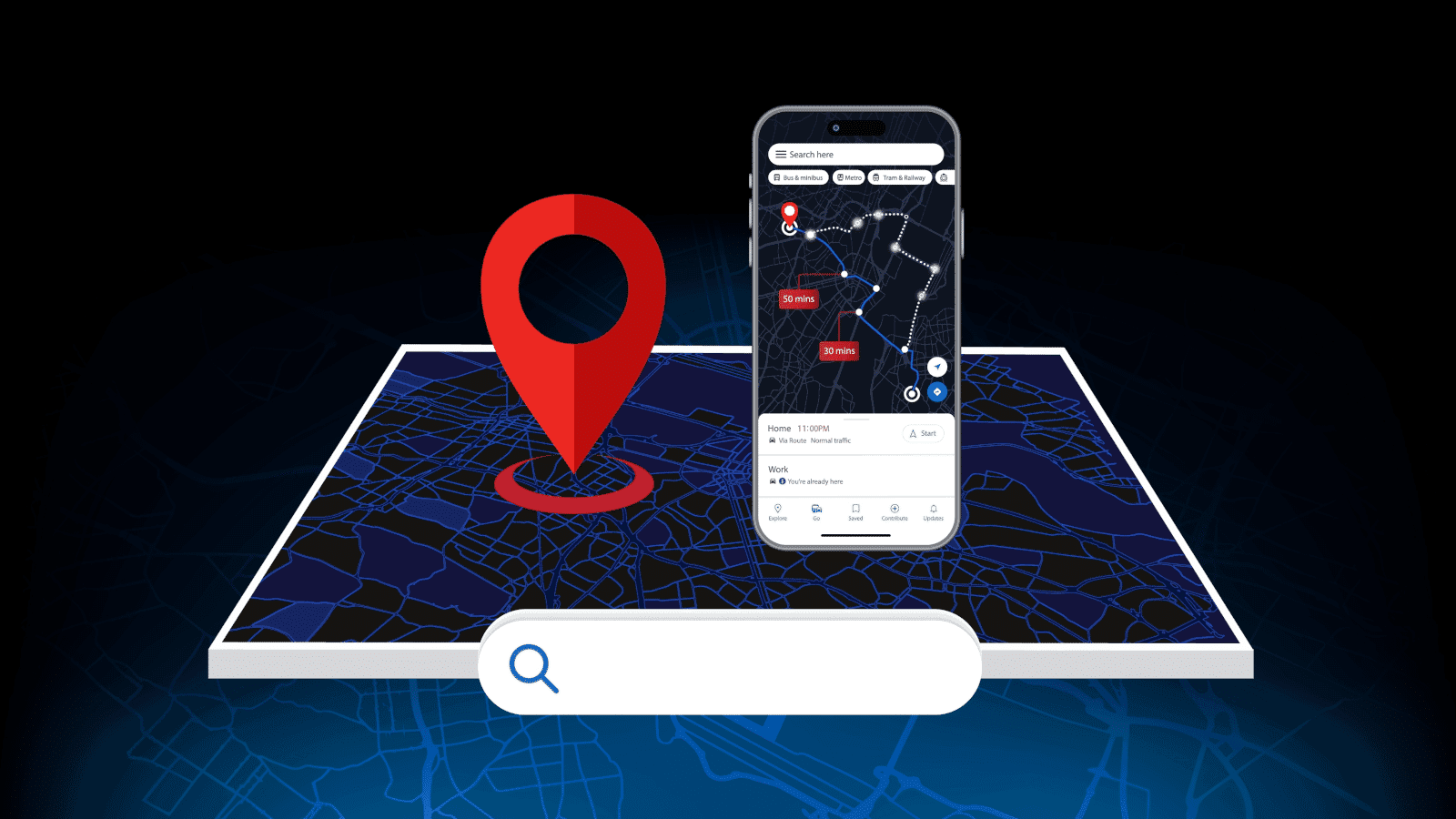
You’ve opened branch two, three, maybe five. Great news for your business. Not as great news for your Google rankings.
Nobody warns you that local SEO for multiple locations isn’t just “do what worked for location one again”. Google treats each branch as its own entity, ranking on its own merits, in its own local pack. Get the setup wrong, and your locations end up fighting each other for the same search results instead of winning them.
If you’re running more than one site in New Zealand and wondering why your newest branch is invisible online while your first one ranks just fine, this guide’s for you. We’ll walk you through building location pages that don’t cannibalise each other, setting up Google Business Profile properly for each branch, and keeping your details consistent so that every location can be found, not just your busiest one.
WHY LOCAL SEO STRATEGY FOR MULTIPLE LOCATIONS TRIPS BUSINESSES UP
Single-location SEO is fairly straightforward. One website, one address, one Google Business Profile, all pointing in the same direction.
Add a second location and the math changes completely. Now you’ve got two (or ten) physical addresses trying to rank in two (or ten) different suburbs or cities, often through the same website. That’s where most businesses come unstuck.
We see the same pattern over and over again with New Zealand businesses: the original location, usually Auckland, ranks well. Every branch that opens after it barely shows up in local search at all. Sometimes it’s because the new page is just the old one with the city name swapped out, so Google can’t tell the two apart and doesn’t know which one to rank. Either way, the newer location loses.
This is exactly why you need a proper local SEO strategy for multiple locations, not just a copy-paste job. Each branch needs its own online identity with its own page, listing, and local signals. Without that, you’re not just missing an opportunity. You’re actively working against yourself.
THE REAL COST OF GETTING IT WRONG
This isn’t just a ranking technicality. It shows up as missed calls, empty appointment slots, and foot traffic walking past your door to a competitor who showed up first on Google.
Picture a business with a Wellington branch that’s been open for years, and a newer Tauranga site. The Wellington page ranks well. But search “[service] Tauranga” and the business is nowhere on page one, while a smaller competitor with a proper local listing takes the spot instead.
The good news is that this is fixable, and you don’t have to start from scratch. It just means giving every branch the setup it actually needs, which is exactly what we’ll cover next.
HOW TO DO LOCAL SEO FOR MULTIPLE LOCATIONS: BUILDING PAGES THAT DON’T COMPETE
Here’s how to do local SEO for multiple locations properly: give every branch its own dedicated space online, and make sure it’s genuinely different from the rest. Sounds simple. Yet, most businesses still get it wrong.
GIVE EVERY LOCATION A DEDICATED PAGE
One page per physical branch. Not a single “our locations” page listing every address, and not a shared page trying to cover two cities at once.
Each page needs its own URL that’s clear and location-specific, like /locations/tauranga, for example, rather than a generic page with the suburb mentioned once in the copy. That gives Google a distinct page to match against a distinct search, and it gives your customers a page that actually answers their question: can this business help me here, in my area?
If your SEO strategy stops at “we have a locations page,” you’re leaving rankings on the table for every branch after the first.
WRITE GENUINELY DIFFERENT CONTENT FOR EACH PAGE
This is where most multi-location pages fall over. Swapping “Auckland” for “Hamilton” and calling it a day won’t fool Google. And it doesn’t help potential customers either.
For proper differentiation, you should include the actual team at the branch, photos taken on-site (not stock images), testimonials from customers in that specific area, and services or stock that vary by location. Include details only a local customer would care about, like which car park to use or how close you are to a local landmark.
Your Takapuna and Manukau locations might be the same business, same brand, same promise. But the Takapuna page should read like it was written by someone who works there, not like a template with the suburb name find-and-replaced.
STRUCTURE URLs AND NAVIGATION LOGICALLY
Once every location has a dedicated page, make sure people (and Google) can actually find it. A consistent URL pattern across all locations helps Google understand your site structure at a glance.
Your main navigation and footer should link to every location page too, not just your head office. If a branch is buried three clicks deep or missing from the menu altogether, that signals to Google that it’s less important than the rest, even if it isn’t.
SETTING UP GOOGLE BUSINESS PROFILE FOR EACH LOCATION
Your website does half the work. Google Business Profile (GBP) does the other half, and for multi-location businesses, it’s non-negotiable.
ONE GBP LISTING PER PHYSICAL LOCATION
Every branch needs its own GBP listing, tied to its own physical address. No sharing one listing across two sites, no listing a location that’s really just a PO box or virtual office. Google treats each physical location as a separate entity, and it expects a separate, verified listing to match.
Verification usually means proof of address and a working phone number for that specific site. It’s an extra step for every branch you add to your business, but skipping it (or trying to shortcut it with a shared listing) is one of the fastest ways to have a profile suspended or a location left invisible in the map pack.
KEEP CATEGORIES AND DESCRIPTIONS SPECIFIC
Your primary category should match what that branch actually does, not what your business does as a whole. A location that’s mostly retail shouldn’t share a category with a branch that’s mainly service-based, even if they’re both part of the same company.
Piling on extra categories to “cover all bases” does the opposite of what you’d expect, diluting your local signals instead of strengthening them. Keep the primary category tight and specific, and add secondary categories only when they genuinely apply to that site.
PHOTOS, HOURS, AND LOCAL MANAGERS
Small details leave a big impact. Each listing should have its own photos taken at that location, not a shared photo bank from head office. Hours need to be accurate per branch too, especially around New Zealand public holidays, when hours can vary site to site and out-of-date listings send customers to a locked door.
If you can, list a named contact for that branch. It’s a small signal that says a real person is behind this location, and it gives customers someone to ask for when they call.
KEEPING N.A.P AND LISTINGS CONSISTENT ACROSS BRANCHES
N.A.P stands for Name, Address, and Phone. It sounds basic, but it’s one of the easiest ways to quietly undo all the other work you’ve done, and it’s a step most guides to local SEO for multiple locations skim right past.
Here’s how it happens: your website lists “123 Queen Street,” an old directory has “123 Queen St,” and your GBP listing says “Level 2, 123 Queen Street.” To you, that’s all the same address, written three different ways. To Google, it’s three separate signals that don’t quite match, and every mismatch chips away at how much trust it places in your listings.
Inconsistencies creep in from places you’d never think to check. Old directory listings you set up years ago and forgot about. Social media profiles with an outdated phone number. A footer on your website that still shows an old address after a branch moved down the road.
The fix isn’t glamorous, but it’s one of the highest-leverage moves in any local SEO strategy for multiple locations: pick one exact format for name, address, and phone number per location, then make sure it’s consistently everywhere that location is listed online, from your website and services page through to directories and socials.
A PRACTICAL CHECKLIST FOR MULTI-LOCATION LOCAL SEO
If you’ve made it this far, here’s the short version. Run every branch through this checklist before you call your local SEO for multiple locations setup done:
- Dedicated page per location, with its own URL and no shared “locations” catch-all
- Genuinely unique content on each page, not a city-name swap of the same template
- Individual GBP listing for every physical site, fully verified
- Consistent N.A.P (name, address, phone) across your website, directories, and social profiles
- Location-specific reviews being actively collected, not just funnelled to your busiest branch
- Internal links connecting each location page back to your core service pages and to each other
Miss one of these, and you’re not necessarily undoing everything else, but you are leaving a gap for Google (or a competitor) to slip through. Work through the list branch by branch, and you’ll catch most of the issues that quietly hold multi-location businesses back.
FREQUENTLY ASKED QUESTIONS
DO I NEED A SEPARATE WEBSITE FOR EACH LOCATION?
No, and in most cases you shouldn’t. A separate website for every branch means duplicating effort across design, hosting, and content, and it can actually work against you by splitting your domain authority, instead of building it in one place.
What you need is a dedicated page for each location, sitting under the same website. That way, every branch benefits from your site’s overall authority while still having its own space to rank in local search.
CAN I USE ONE GOOGLE BUSINESS PROFILE FOR MULTIPLE BRANCHES?
No. Google requires a separate, verified listing for every physical location. Trying to run two branches off a single GBP listing isn’t just against the guidelines; it also means one of your locations just won’t show up in the map pack or local search results at all.
The good news is that setting up a new GBP listing per branch is usually the quickest fix on the whole list. It just needs to be done properly and kept up to date.
HOW DO I STOP MY LOCATION PAGES FROM COMPETING WITH EACH OTHER?
This comes back to the same issue we covered earlier: content that’s too similar. If two location pages read almost identically, Google can’t always tell which one should rank for which search. It may only show one of them, or rank both pages lower than they should be.
The fix is a real differentiation. Unique content, unique testimonials, unique local details on every page, paired with a clear internal linking structure so that Google understands each page represents a different physical site. Making sure every page has its own reason to rank, rather than competing for the same one, is the core of any solid local SEO strategy for multiple locations.
HOW LONG DOES MULTI-LOCATION SEO TAKE TO SHOW RESULTS?
Frankly, it depends. But expect to see early movement within three to six months, with stronger, more stable results building over six to twelve months. Newer branches usually take a little longer to catch up, but that’s because they’re starting from scratch—no reviews, no local links, and no history in that area yet.
The businesses that see results fastest are the ones that work through every branch at once, rather than fixing one location and leaving the rest as-is. Consistency across all your locations speeds up the whole process, not just the one branch you’re focused on.
GET EVERY BRANCH SHOWING UP, NOT JUST YOUR BIGGEST ONE
Now you know how to do local SEO for multiple locations properly, but it’s not a one-and-done job. New branches open, hours change over public holidays, and listings drift out of sync if nobody’s keeping an eye on them.
That’s the part that most businesses underestimate. The setup gets your locations on the map, but ongoing management keeps them there. If you’d rather hand that over to a team who does this for a living, get in touch, and we’ll take a look at what’s holding your locations back.