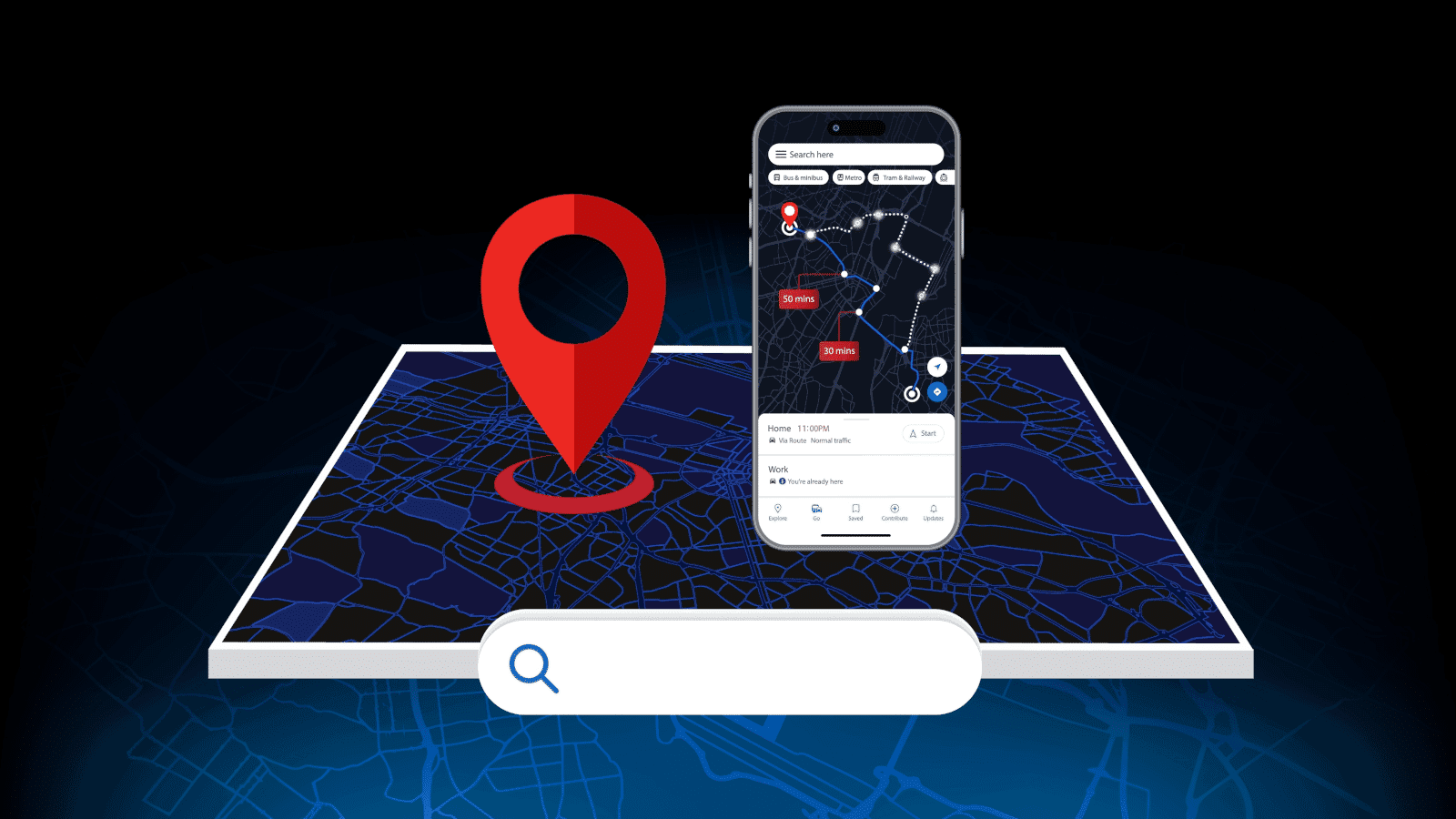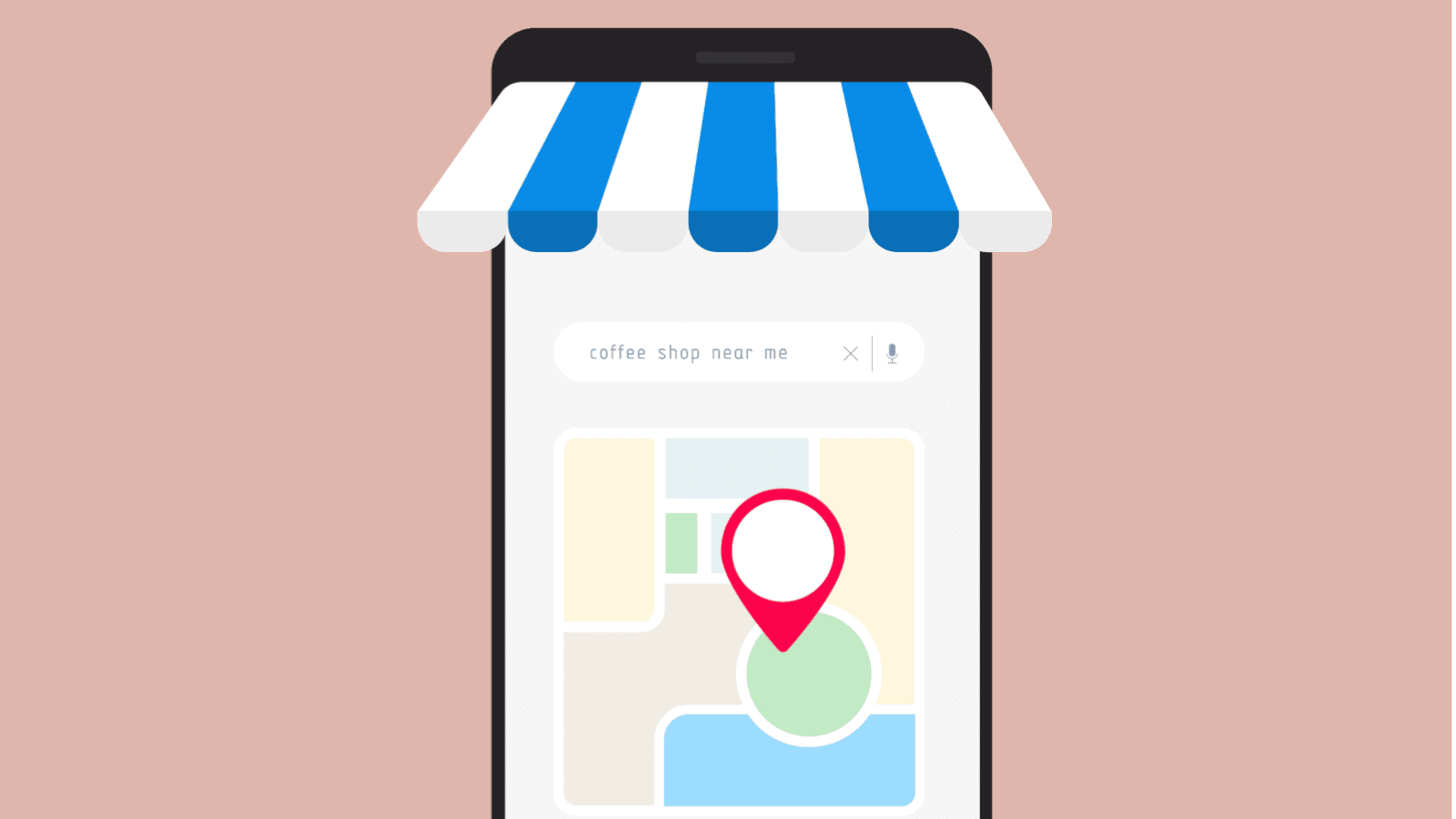
Search “plumber near me,” and Google doesn’t show you a list of websites. It shows you a map, three businesses, and their reviews. That’s Google Business Profile at work, and if yours isn’t set up properly, you’re not even in the running.
Fortunately, it costs nothing and takes about ten minutes to set up. Most businesses drop the ball by not optimising it properly and using it the way it’s meant to be used. This guide walks you through how to set up a Google Business Profile, optimise it, and use it day-to-day, so you’re not leaving free visibility on the table.
WHAT IS GOOGLE BUSINESS PROFILE?
Google Business Profile (GBP) is the free listing that controls how your business shows up on Google Search and Google Maps. It’s what pulls your name, address, opening hours, reviews, and photos into that map pack at the top of local search results.
You might know it as Google My Business. Google renamed it in 2021, but the tool does the same job: it’s the difference between showing up when someone searches for what you do and not showing up at all.
HOW TO SET UP A GOOGLE BUSINESS PROFILE
Before you touch anything, bear in mind that not every business qualifies straight away, and rushing the setup is how name, address, and phone number (your NAP, if you want the industry term) inconsistencies creep in early. Here’s how to set up a Google Business Profile properly the first time:
CHECK YOU’RE ELIGIBLE
You need at least one of these to qualify for a Google Business Profile: a physical location customers can visit, a service area you operate in, or a business that sells directly to customers online.
Most businesses, like tradies, cafes, retail stores, clinics, and agencies, are all covered. If you’re a service area business with no shopfront (a mobile dog groomer, for example), you can still set up a profile. You’ll just hide your address and list the service area instead.
CREATE AND VERIFY YOUR LISTING
Create your profile through Google by signing in with the Google account you want tied to your business (not a personal one, unless that’s genuinely your business account too). Search for your business name to check you’re not creating a duplicate. If nothing comes up, click “Add your business,” fill in your name, category, and location details, and follow the prompts.
Google will ask you to verify you’re the real owner. Most businesses do this by postcard (it lands in about five business days), though some qualify for instant verification by phone, email, or through Search Console.
Don’t skip this step or rush it. An unverified profile can’t publish posts, respond to reviews, or unlock most of the features covered below.
GET THE BASICS RIGHT
Once verified, your NAP must match exactly what's on your website and anywhere else you’re listed online. Not “close enough.” Exactly.
Pick your primary category carefully, since it’s one of the biggest ranking factors in local search, and add secondary categories if they genuinely apply. Set your hours accurately, including any public holiday changes, because nothing loses trust faster than a customer turning up to find a closed door.
If you’re managing profiles across more than one branch, this is where things can get messy fast. Our guide to SEO for multiple locations covers how to keep every listing consistent without the admin becoming a full-time job.
HOW DO I OPTIMISE MY GOOGLE BUSINESS PROFILE?
A verified profile with the basics filled in will get you found. An optimised one is what actually gets you chosen over the three other businesses sitting next to you in the map pack. If you’re asking how to optimise your Google Business Profile, this is where the real work (and the real payoff) happens.
WRITE A DESCRIPTION THAT ACTUALLY SAYS SOMETHING
You’ve got 750 characters for your business description, and most businesses waste them. “We’re a family-owned business committed to quality and customer service” tells searchers nothing they couldn’t guess.
Say what you actually do, who you do it for, and what makes you worth calling over the next listing down. Mention your suburb or region by name. Work in the services you offer, naturally, the way you’d describe them to someone standing in front of you.
Skip the fluff and skip the keyword stuffing. Google (and your customers) aren’t stupid; they can tell the difference between a useful description and one that’s just there to tick a box.
PHOTOS AND VIDEOS THAT EARN CLICKS
Profiles with photos get significantly more requests for directions and website clicks than profiles without.
Upload real photos, not stock images. Your storefront, your team, your work, your products. If you're a cafe, show the food. If you're a builder, show a finished job, not a logo on a white background. Add new photos regularly, not just once at setup; an active profile signals to Google and your customers that you're a real, running business.
GET REVIEWS COMING IN
Reviews do double duty: they influence your ranking, and they’re the first thing most people will check before they trust you with their money. Both matter.
Don’t be shy. Ask happy customers directly, right after the job’s done or the sale’s made, while the experience is still front of mind. A short link makes it easy. And when the reviews start coming in, reply to them. All of them, good or bad. A thoughtful reply to a negative review can do as much for your credibility as the five-star ratings sitting either side of it.
USE ATTRIBUTES AND SERVICES TO FILL IN THE GAPS
Attributes are the small details that answer the questions your description doesn’t: wheelchair accessible, women-led, offers free Wi-Fi, accepts contactless payment. They seem minor, but they’re often what helps you decide.
List your services individually rather than lumping them into one line. A plumber who lists “hot water cylinder repairs,” “drain unblocking,” and “gas fitting” separately gives Google more details to match against real searches than one who just writes “plumbing services.” This kind of detail is a big part of why local SEO strategies matter well beyond your profile itself. Getting it right here feeds directly into how you rank everywhere else.
HOW TO USE GOOGLE BUSINESS PROFILE DAY TO DAY
Setup and optimisation get you profile-ready. But how you use Google Business Profile week to week is what keeps you visible, because Google rewards active listings and quietly buries ones that go stale.
POST UPDATES REGULARLY
Google Posts work a bit like a mini social feed attached to your listing. Share offers, new stock, upcoming events, or just a quick update on what’s new in your business. They show up right there in your profile, no extra clicks needed.
You don't need to post daily; once every week or two is enough to signal you're active without it becoming a forced chore.
ANSWER QUESTIONS BEFORE THEY’RE ASKED
Most businesses completely ignore the Q&A section on their profile, which is exactly why it’s worth your time. Anyone can post a question there, and anyone can answer it, including you.
Get ahead of it. Add your own questions and answers covering what people actually ask: do you offer free quotes, are you open on public holidays, do you service a particular suburb? It reads like a mini FAQ sitting right in your search result, and it means a stranger with a wrong answer never gets there first.
CHECK YOUR INSIGHTS
Your profile’s Insights tab shows how people are finding you: what they searched, whether they called, requested directions, or clicked through to your website. It’s free data most businesses never open.
Try to check it monthly. If calls are up but website clicks are flat, maybe your photos are doing the job while your website’s lacking. If a particular search term keeps showing up, there might be a service you should be spelling out a bit more clearly. Small signals, real decisions.
REPLY TO MESSAGES FAST
If you have messaging switched on, treat it like your phone line, not your inbox. A slow reply to a Google message often means the customer’s already called your competitor by the time you get to it.
Set expectations if you need to. A quick “thanks, we’ll get back to you within the hour” beats silence every single time.
COMMON GOOGLE BUSINESS PROFILE MISTAKES TO AVOID
A few bad habits can quietly undo all the work above. Here's what to avoid:
- Inconsistent NAP: Your name, address, and phone number need to match everywhere online, not just on your profile.
- Ignoring Reviews: Especially the negative ones. Silence reads as indifference.
- A Stale Profile: No posts, no new photos, no updates in months. Google notices, and customers will too.
- Wrong Category: The single biggest, most overlooked ranking factor on the whole profile.
- Skipping Verification: An unverified profile is a locked one. None of the features covered above will work until it’s done.
GET YOUR GOOGLE BUSINESS PROFILE WORKING HARDER
Set up properly, optimised properly, and used consistently, your Google Business Profile is one of the hardest-working, lowest-cost marketing tools available. Most businesses just never give it the attention it deserves.
We’ve walked through how to set up a Google Business Profile the right way from day one. For business owners wondering, “How do I optimise my Google Business Profile,” the most important thing to know is that it’s an ongoing process, not a one-off task. And once it's dialled in, knowing how to use Google Business Profile properly keeps leads coming in, rather than your listing gathering dust.
If you’d rather hand that to a team that lives and breathes local search, get in touch to discuss our services, and we’ll take a look at where your profile stands.