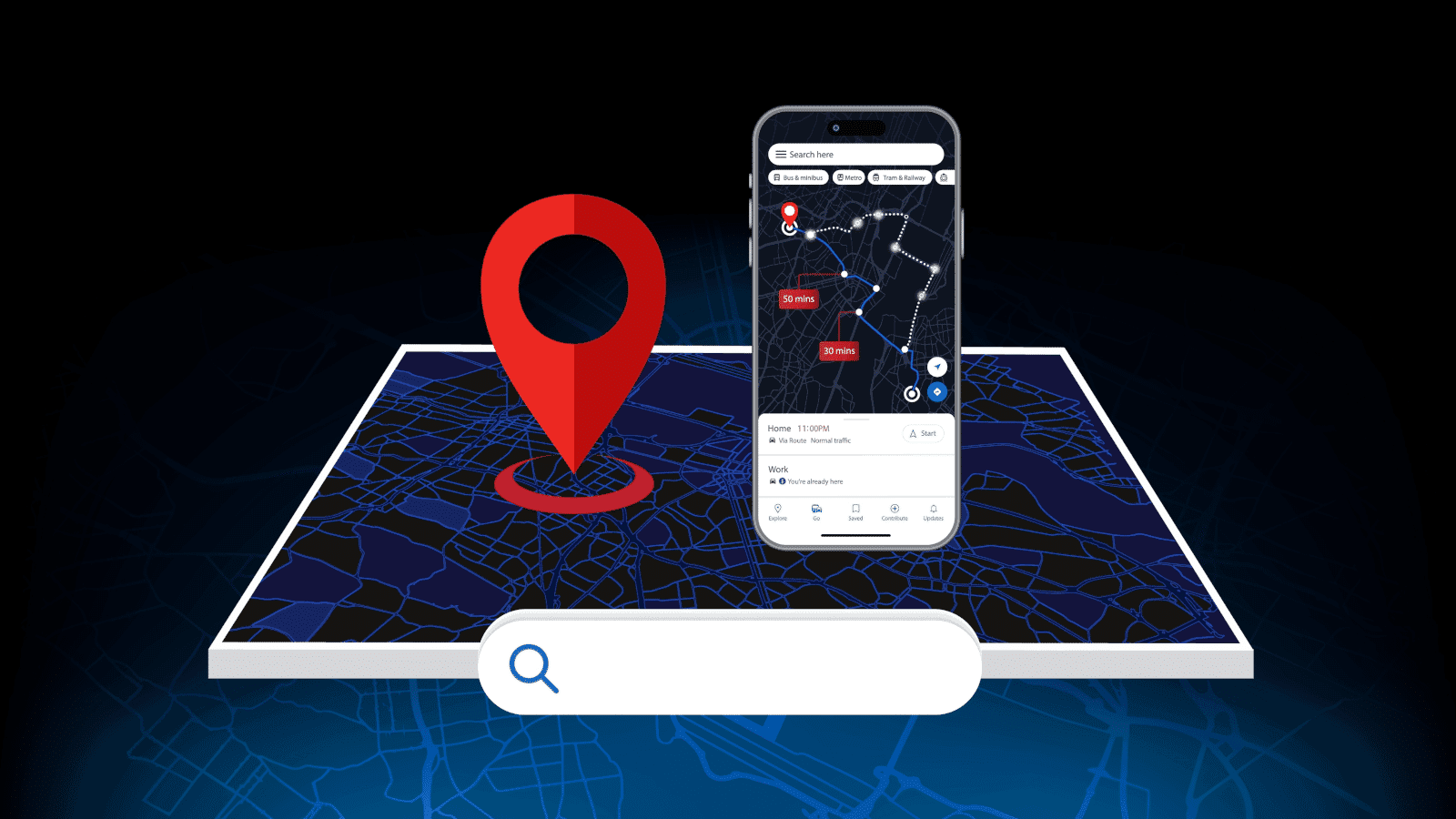
That’s the exact problem good website search functionality solves. A visitor who reaches for search already knows what they want; they’re not there to browse. Give them a fast, accurate way to find it, and you’ll keep them on your site longer, keep them engaged, and give yourself a better shot at converting them into a paying customer.
As a digital marketing agency in Auckland, we spend a lot of our time on exactly this kind of detail, the small, unglamorous stuff that quietly makes or breaks conversion rates. And search is one of the most overlooked pieces of that puzzle.
Why Website Search Functionality Matters More Than You Think
A visitor who reaches for your search bar is already a hot lead, not a casual browser. Waste that moment, and you’ve lost them for nothing.
This matters more the bigger your site gets. A handful of pages? Visitors can find their way with decent navigation alone. Hundreds of products, dozens of services, and years of blog content? Navigation alone won’t cut it, and that’s where a search bar on a website page starts earning its keep.
Search users also tend to convert better than browsers, simply because they’re already closer to a decision. All you need to do is give them fast, accurate results, and you’ve done the hard work for them.
The Real Benefits of a Search Bar on Your Website
Add a proper search function, and you get more than a convenience feature. Done well, it becomes one of the hardest-working parts of your site:
- Faster Path to Purchase or Info: Visitors find what they want without wading through menus, which matters even more on mobile, where screen space is tight.
- More Exposure to Related Products & Content: Good search results surface similar items or pages the visitor didn’t think to look for, a genuine cross-sell opportunity.
- Less Overwhelm on Content-Heavy Sites: If you’ve built up years of blog posts, product pages, or service info, search stops your visitors from drowning in it.
- Free Customer Research: Every search query is a visitor telling you, in their own words, what they want. That’s insight that most businesses pay for.
These are some of the clearest benefits of website search, and they compound. Someone who finds what they need fast has a better experience, and a better experience means they’re more likely to come back, buy, or get in touch.
It’s one of the simplest ways to improve user experience on a website, without touching the rest of the design.
Ecommerce Site Search: Why It’s Non-Negotiable
If you’re running an online shop, ecommerce site search isn’t optional. It’s core infrastructure. Someone who searches “size 10 boots” or a specific SKU is about as close to a sale as a visitor gets. Make them work for it, and you’ll lose them to a competitor who made it easier.
Good ecommerce search goes beyond a plain text box. Filtering by price, size, colour, brand, or tag lets shoppers narrow results down to exactly what fits, and that’s often the difference between an add-to-cart and a bounced session. Get the categories wrong or leave filtering out entirely, and even a beautifully designed web store will bleed sales it shouldn’t.
This is why search needs to be built in from day one, not bolted on afterwards. Our web design experts built search and filtering into the store architecture itself, so it works with your product catalogue instead of against it.
What Good Website Search Actually Looks Like
Not all search bars are equal. Following a few site search best practices separates a helpful search function from one that visitors give up on:
- Autocomplete & Predictive Suggestions: Start typing, and relevant results appear before the visitor even finishes their sentence.
- Filtering & Sorting: Let people narrow their search by category, price, date, or any attribute that matters for your products/services.
- Typo Tolerance & Synonym Recognition: Someone searching “waterproof jacket” should still find your rain jackets. A search function for websites that only returns exact matches will frustrate users more than help them.
- Consistent Design: Search results should look and feel like the rest of your site. A results page that looks bolted-on undermines trust fast, even if the rest of your site is polished.
- Smart Handling of Zero Results: A dead-end “no results found” page sends visitors straight back to Google. Instead, show popular products, related categories, or a “did you mean” suggestion to keep them on the site rather than handing them off to a competitor.
Get these right, and your internal site search function stops being a basic utility and starts being a real conversion tool.
Site Search Optimisation: Getting More from Your Search Data
Your search bar is a live feed of customer intent, and you’ve likely never looked at it.
Every query typed into your search bar tells you something. What people search for and don’t find points to gaps in your content or product range. Terms that come up again and again should probably get their own dedicated page or product category. This kind of site search optimisation turns a feature visitors use once into an ongoing strategic asset for your business.
It’s also crucial for mobile. Most visitors on a phone don’t want to tap through three levels of menu. They want to type and go. If your internal site search isn’t built with mobile behaviour in mind, you’re losing the visitors most likely to want a fast answer.
Pair that search data with proper keyword research, and you’ve got a real edge. Our SEO experts regularly use this kind of on-site search data to sharpen content strategy and fill gaps competitors haven’t spotted yet.
Getting Your Website Search Set Up Right
Website search functionality isn’t something you add to a finished website as an afterthought. It needs to be planned around your content, product range, and how your customers actually behave.
Done properly, it’s one of the highest-leverage changes you can make to a site that’s already live, no full rebuild required, and no overhaul of what’s already working.
Contact numero® today to learn how you can upgrade your website with a search function and other features that make it user-friendly. Our team of experts is on hand to help you convert visitors into customers.