A good-looking website and a good website aren’t the same thing. We’ve seen beautiful sites that never make the phone ring, and plain ones that bring in enquiries daily. A potential customer will likely visit your website before doing business with you, so that first visit has to count.
Below are the 10 design essentials we look at first when auditing a site, plus what changes when you sell products online or sell your time and expertise.
The Quick Answer
So, what makes a good website? It gets found by the right people, and once they land, it tells them what you do and what to do next. A good website turns the right visitors into enquiries, bookings, or sales. You can measure that, which is good news, because it means “good” isn’t just a matter of taste.
What makes a good website design is the set of decisions that make the job easier for your users. Layout, speed, copy, colour, and forms all play a part. Looks matter, but they’re one ingredient among many.
1. Clear Message Above the Fold
Before anyone scrolls, the top of your homepage should answer three questions: what you do, who it’s for, and what the user needs to do next.
Try the five-second test. Show your homepage to someone who doesn’t know your business, hide it after five seconds, and ask them what you sell. If they can’t tell you, your headline is trying too hard to be clever.
Swap a vague line like “Solutions for a changing world” for something specific, such as “Commercial cleaning for Auckland offices”. Specific wins over clever, every time.
2. Navigation Built Around How Customers Think
Ask any UX designer what makes a good website user experience, and navigation will come up early. Your menu labels should use the words your customers use, so “Services” and “Pricing” beat “Solutions” and “Investment”.
Keep the main menu short. Hick’s Law states that the more choices a person has to make, the longer their decision-making process takes. Fewer choices mean faster decisions.
Make sure every menu and button works with a keyboard and screen reader as well. Easy navigation can be slightly harder to achieve than it seems!
3. Mobile-First Design (Not a Squashed Desktop Site)
Google uses the mobile version of your site for indexing and ranking, so your mobile site is the version that counts. A desktop layout squeezed onto a phone screen isn’t enough.
Look for buttons big enough for a thumb, text you can read without zooming, and a phone number that calls when tapped. Full-screen pop-ups on mobile are a fast way to lose people.
4. Load Speed That Passes Core Web Vitals
Slow load speeds are a surefire way to deter customers. Google measures real-world page experience with three Core Web Vitals, each with a clear target.
Largest Contentful Paint (LCP) tracks how fast your main content appears and should be 2.5 seconds or less. Interaction to Next Paint (INP) measures how quickly the page responds to taps and clicks, with a target of 200 milliseconds or less.
Cumulative Layout Shift (CLS) measures how much the page jumps around while it loads, and should stay at 0.1 or below. You can check all three for free in Google PageSpeed Insights.
5. White Space and Visual Hierarchy
If you’re wondering what makes a website look good, start with what isn’t there. White space, also known as negative space, is the empty area around your text, images, and buttons.
Adding white space around specific text or a graphic emphasises it, guiding the viewer’s eye to what you want them to focus on.
Pair that with a clear type hierarchy, with one obvious headline and easy-to-read body text. Colour contrast matters as well, and WCAG 2.2 sets a minimum contrast ratio of 4.5:1 for normal-sized text.
6. Consistent Branding on Every Page
Branding is more than just logos and colour combinations. Use the same colours, fonts, photo style, and tone of voice on every page, from the homepage right through to the thank-you page.
When a site feels stitched together from different templates, visitors start to wonder what else isn’t quite right. Real photos of your team, premises, or work build trust far more than a few stock photos of people shaking hands.
7. SEO Built In From Day One
A website nobody can find can’t turn visitors into customers. Page structure, headings, URLs, meta titles, and internal links should be planned before the design is signed off, not bolted on after launch.
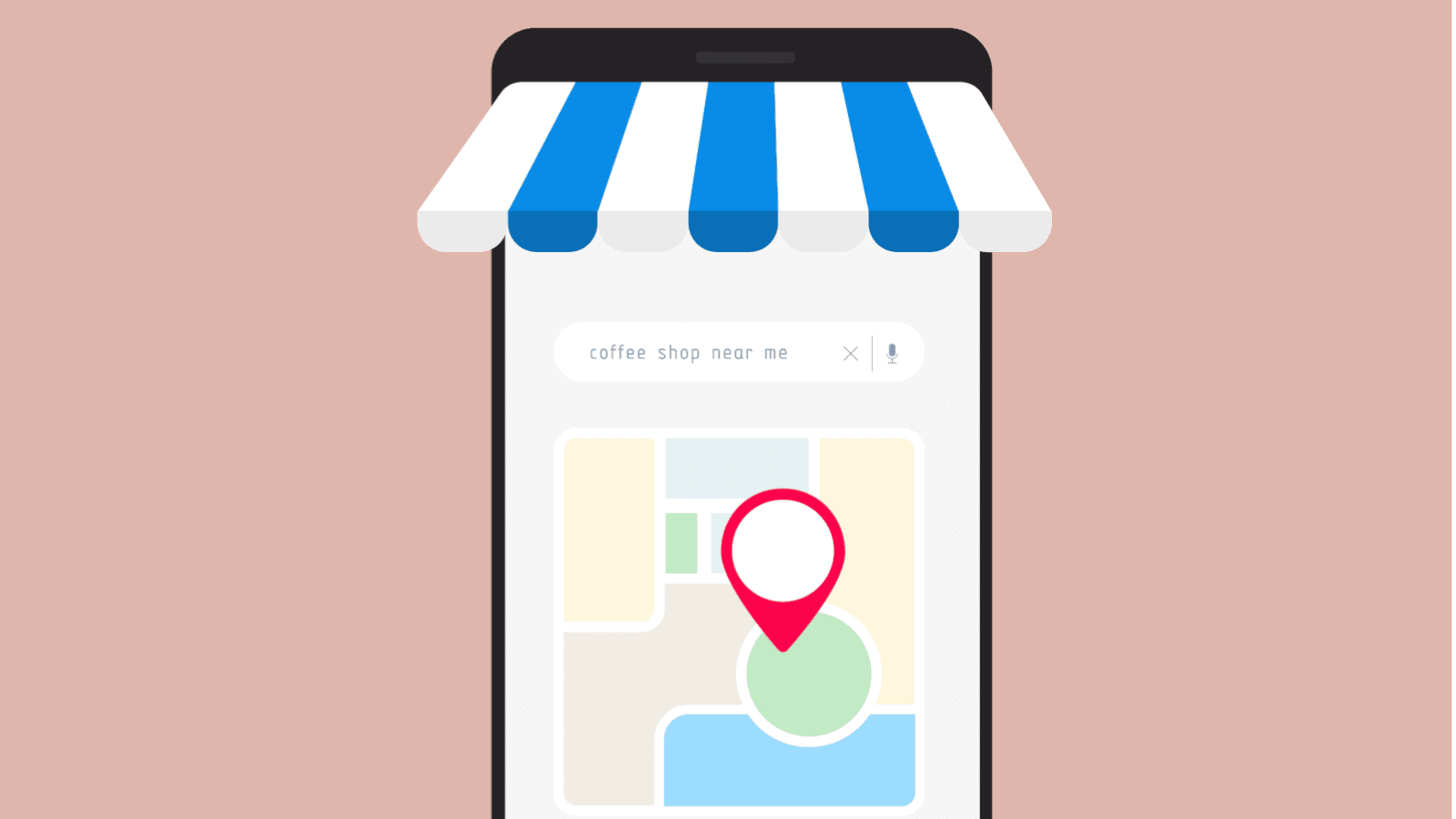
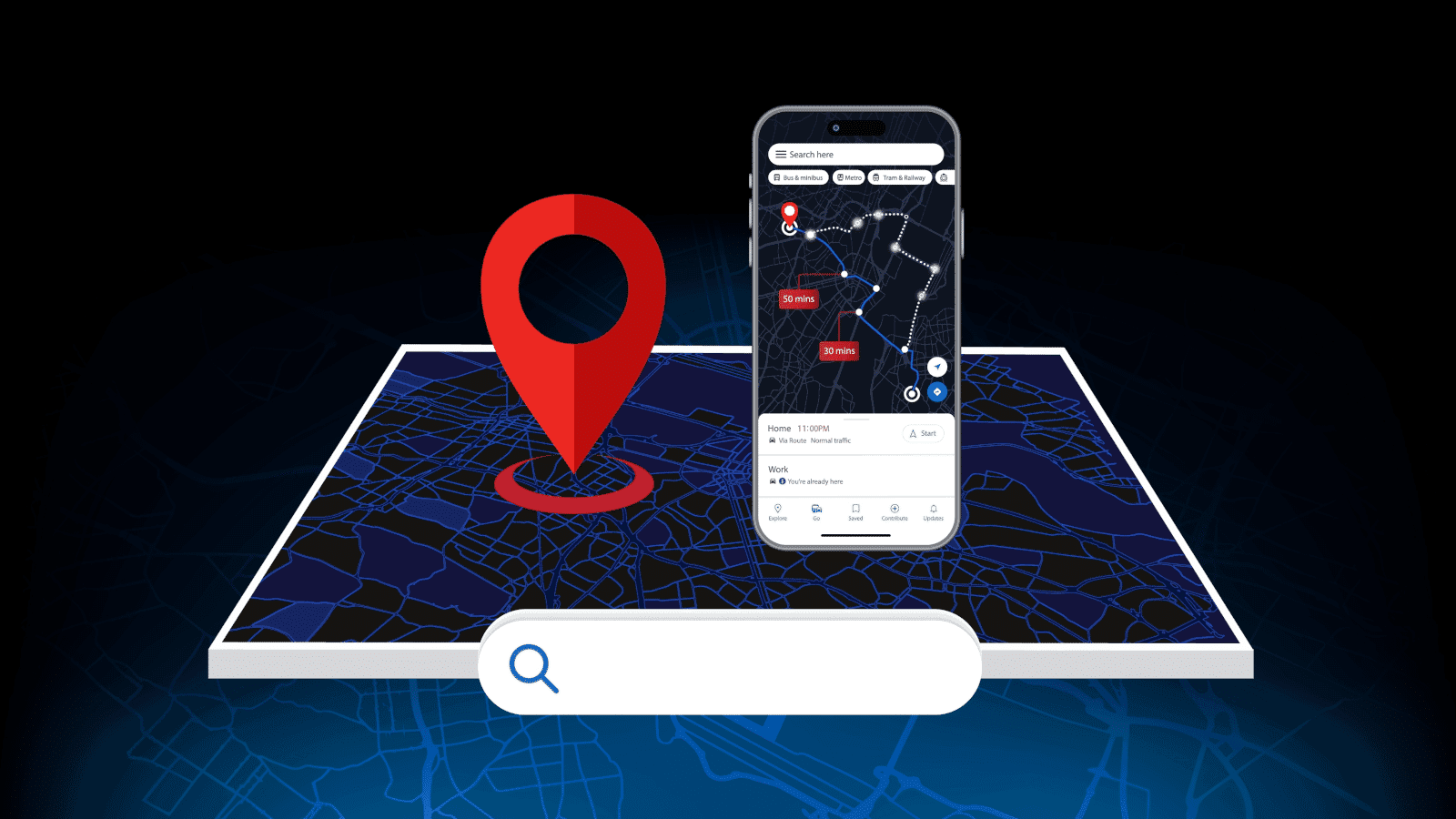
If you simply rely on local customers, local SEO matters too. Your website should list your name, address, and phone number exactly as they appear on your Google Business Profile, and your copy should mention the suburbs and towns you serve.
8. Trust Signals Visitors Can Check
People want proof before they hand over their card details or phone number. Show real Google reviews, case studies with real numbers, your physical address, and your NZBN if you have one.
Partner badges help when they’re genuine, such as Google Partner or Shopify Partner status. Your privacy policy should also explain what you collect and why, because the Privacy Act 2020 requires you to tell people when you collect their personal information.
9. Calls to Action and Forms With Less Friction
Every page needs one main action, whether that’s “Get a quote”, “Book a call”, or “Add to cart”. Make that button easy to spot and keep the wording consistent across the site.
Then trim your forms. Each extra field is another reason to give up, so only ask what you need to reply. After someone hits submit, show a thank-you page that tells them what happens next and when.
10. Tracking That Proves It’s Working
This is the essential that most websites miss, and the one we care about most. If you can’t measure what your website is doing for your business, you can’t call it good.
Set up Google Analytics 4 and track the actions that matter, such as form submissions, phone calls, bookings, and purchases. Then review the numbers every month. Which pages bring in enquiries, and where do people drop off? Test, tweak, measure, repeat.
What Makes a Good Ecommerce Website?
What makes a good ecommerce website comes down to removing every reason to hesitate before checkout. All 10 essentials above still apply, plus a few things that only matter when you sell online.
Product pages need several clear photos, honest descriptions, and sizing or spec details that answer questions before they’re asked. Show GST-inclusive prices and shipping costs before checkout, not at the final step.
Offer guest checkout and payment options that Kiwis already use, like Apple Pay, Google Pay, and buy now, pay later services. Make your returns policy easy to find, and make sure it doesn’t undersell anyone’s rights under the Consumer Guarantees Act.
Then keep a close eye on your checkout numbers. A high cart abandonment rate is usually the clearest sign of where the friction is.
What Makes a Good Business Website for Service-Based Businesses?
So, what makes a good business website when you sell your time and expertise rather than a product? Clarity about what you do, where you do it, and how to get in touch.
Give each service its own page instead of cramming everything into one, so each page can rank for what people search for. Add your service areas, embed a map if customers come to you, and put a click-to-call number in the header on mobile.
Most importantly, answer the questions people ask before they pick up the phone, like how much it costs, how long it takes, and what the process looks like. A “from” price or pricing guide beats saying nothing at all.
Website Design FAQs
How long does it take to build a good website?
It depends on the number of pages and features, and how quickly you provide content and feedback. A small service website moves much faster than an ecommerce store with hundreds of products, so ask for a clear timeline before you sign anything.
How often should a business website be redesigned?
There’s no fixed rule. If your conversion rate is dropping, your Core Web Vitals are failing, or your site no longer reflects what you sell, it’s time to look at a redesign. Let the numbers make the call, not the calendar.
How do I know if my current website is working?
Start with GA4 and check how many enquiries or sales your site produces each month, which pages they come from, and where visitors leave. If you don’t have that data yet, fixing your tracking is step one.
Ready for a Website That Brings in Customers?
Run your site through the 10 essentials above. If it struggles with more than a couple, it’s probably costing you enquiries right now.
Our web development team builds websites around the numbers, from the first wireframe through to conversion tracking. Book a free consultation, and we’ll show you where your current site is losing customers and what to fix first.